




Utilities
Strifor Chart Sync
Synchronize MT5 symbols and analysis objects across Master and Slave charts, with independent groups and timeframe visibility settings.
 Invest only the amount you are willing to lose. This is a risky investment with no principal protection.
STRIFOR / Trading Tools
Calculate MT5 position size from account capital, risk and Stop Loss distance using manual inputs or chart-based calculations.

Strifor Smart Lot Calculator is a MetaTrader 5 indicator designed to calculate position size based on account capital, a predefined risk percentage, and the distance to the Stop Loss level.
Effective risk management starts before a trade is opened. Identifying an entry point and setting a Stop Loss are only part of the process. Traders also need to determine the appropriate position size to keep potential losses within their planned risk limits.
Strifor Smart Lot Calculator automates this calculation directly on the chart. You can enter the parameters manually or define the entry and Stop Loss levels using horizontal lines. The indicator calculates the corresponding lot size, helping you prepare trades across different financial instruments with a more structured approach to risk management.
Position size directly affects the monetary risk of a trade. An excessively large volume can increase potential losses, while a volume that is too small may not match the risk parameters defined by your strategy.
Strifor Smart Lot Calculator takes three essential factors into account:
Using these inputs, the indicator calculates the corresponding position size. This allows you to evaluate the trade volume before execution and apply a more consistent approach to risk management.
Strifor Smart Lot Calculator offers two ways to enter trade parameters. Choose the method that best fits your analysis and trade preparation process.
Enter the trade parameters directly in the indicator settings:
Once the values are defined, the indicator calculates the corresponding lot size automatically.
Manual mode is useful when you already know your intended risk and Stop Loss distance, or when you want to compare different trade scenarios before placing an order.
If you prefer visual analysis, you can define the trade parameters directly on the chart using two horizontal lines.
The process is straightforward:
This approach lets you adjust the entry and Stop Loss visually while monitoring market structure. When you change the levels, you can reassess the trade parameters and recalculate the required lot size.
Position sizing becomes part of your chart-based trade planning, eliminating the need to measure the distance between price levels manually.
Strifor Smart Lot Calculator can be used to calculate position sizes for a range of markets available in MetaTrader 5, including:
The indicator is designed to work with the selected instrument’s data and the trading specifications provided by your broker.
Keep in mind that tick value, contract size, account currency, and other trading conditions may vary between instruments and brokers. These differences are particularly important when trading metals, commodities, and indices.
Before using the calculated volume on a live account, verify that the result is consistent with the instrument’s specifications and your broker’s trading conditions.
Structured risk management. Calculate position size using a predefined risk percentage and Stop Loss distance instead of choosing trade volume without a clear reference.
Two operating modes. Enter parameters manually or define trade levels directly on the chart.
Visual trade planning. Adjust the entry and Stop Loss on the chart and use the distance between them to calculate position size.
Time savings. Reduce repetitive manual calculations before placing trades.
Multi-market flexibility. Use the indicator with compatible instruments available in MetaTrader 5.
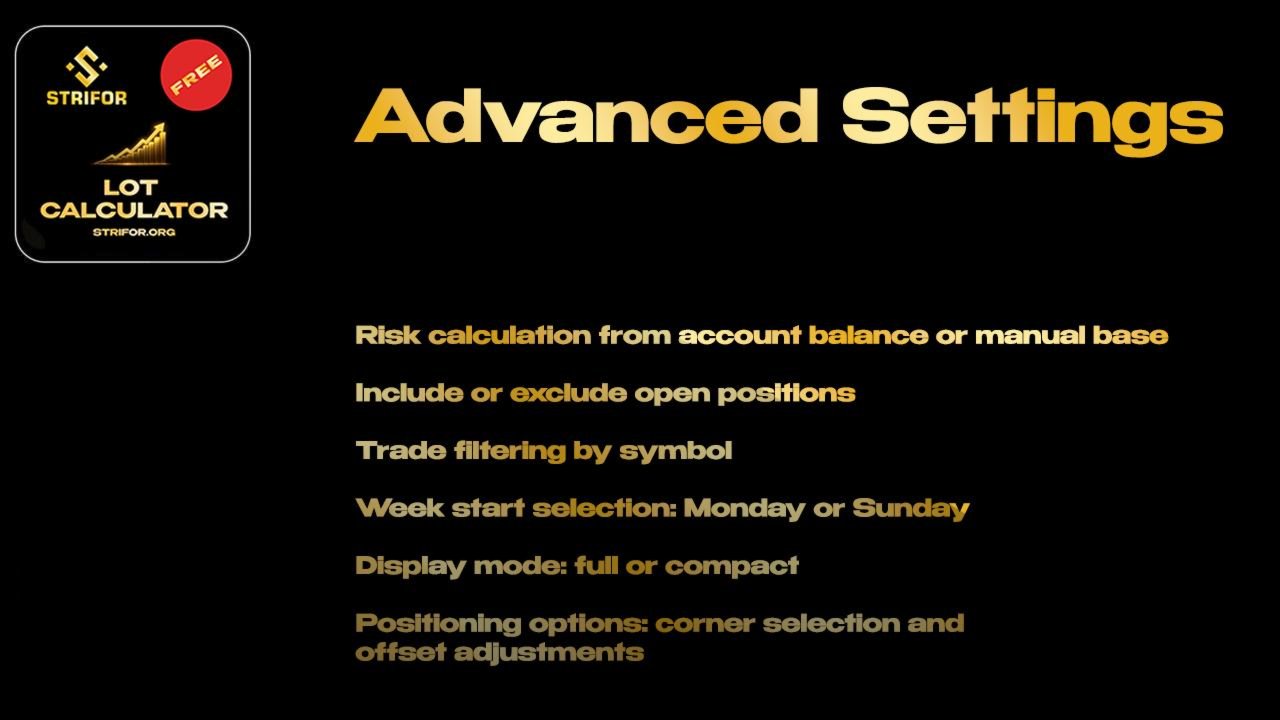
Current account balance support. Calculate using the current account balance or enter a custom capital amount.
Strifor Smart Lot Calculator can become part of your regular trade preparation workflow:
This process helps make position sizing an integral part of trade planning rather than a separate decision made independently of risk.
Strifor Smart Lot Calculator makes position sizing more straightforward and visual. By connecting account capital, the selected risk percentage, and the Stop Loss distance, the indicator helps you prepare trades with predefined parameters while reducing manual calculations.
The indicator does not generate trading signals or guarantee results. The calculated position size depends on the inputs provided and the specifications of the selected instrument. Execution conditions, trading costs, slippage, and market movements may cause the final loss to differ from the estimate.
Testing the indicator on a demo account before using it on a live account is recommended. Always verify the relevant parameters for each instrument.
Strifor Smart Lot Calculator — calculate your lot size, define your risk, and plan every trade with greater precision.
Requirements: MetaTrader 5.
Images from the official MQL5 product gallery, in the original order. The publisher includes promotional illustrations and interface examples; these are not independently verified live-terminal screenshots.
Utilities
Synchronize MT5 symbols and analysis objects across Master and Slave charts, with independent groups and timeframe visibility settings.

Indicators
Analyze MT5 market structure with VWAP, Volume Profile, POC, Value Area levels and statistical deviation bands in one indicator.

Indicators
Combine classic Pivot levels, ATR-based price targets and market analytics in one MT5 indicator to plan trading scenarios.

Utilities
Send MT5 trade-event notifications to Telegram chats, groups and channels with customizable messages and direct Telegram Bot API integration.

Risk Management · Utilities
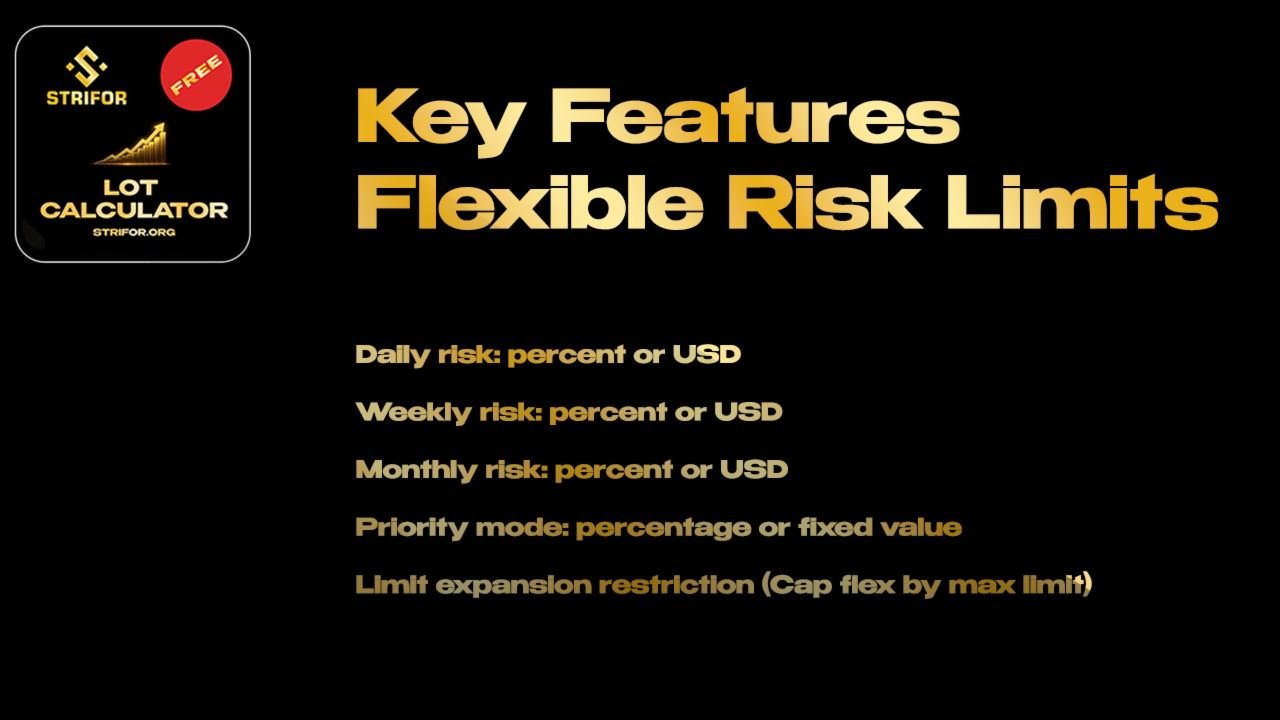
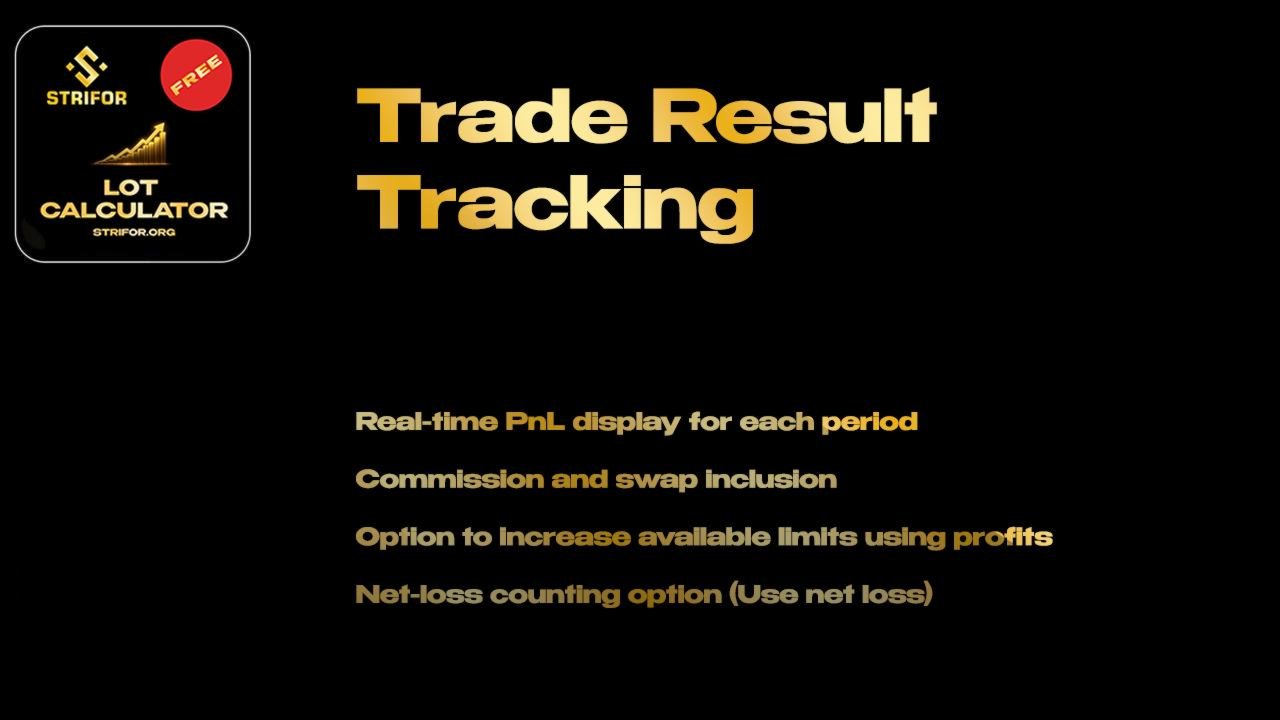
Monitor daily, weekly and monthly trading results in MT5, track risk limits and view remaining risk in a customizable on-chart panel.

Utilities
Automatically set Stop Loss and Take Profit for new MT5 positions using configured risk and actual volume. SmartTrade Panel v1.21 does not open orders.

Risk Management · Utilities
Automate MT5 account-level risk control with loss limits, consecutive-loss monitoring, rolling windows and configurable position closing.

Dashboards · Indicators
View percentage price changes across four timeframes in one compact MT5 dashboard to compare short-term and longer-term market dynamics.

Indicators
Visualize trading sessions, overlaps and session High–Low levels, with automatic time adjustment and flexible chart display settings.

