


Calculators · Indicators · Risk Management
Strifor Smart Lot Calculator
Calculate MT5 position size from account capital, risk and Stop Loss distance using manual inputs or chart-based calculations.
 Invest only the amount you are willing to lose. This is a risky investment with no principal protection.
STRIFOR / Trading Tools
Automate MT5 account-level risk control with loss limits, consecutive-loss monitoring, rolling windows and configurable position closing.

Strifor RiskMaster is an Expert Advisor for MetaTrader 5 designed to automate trading risk control at the account level. It monitors trading performance, tracks predefined loss limits, and can automatically restrict further trading when specified thresholds are reached.
The tool helps traders establish a systematic approach to capital management by defining acceptable loss limits in advance, monitoring results across different periods, and applying predefined protective measures when trading limits are breached.
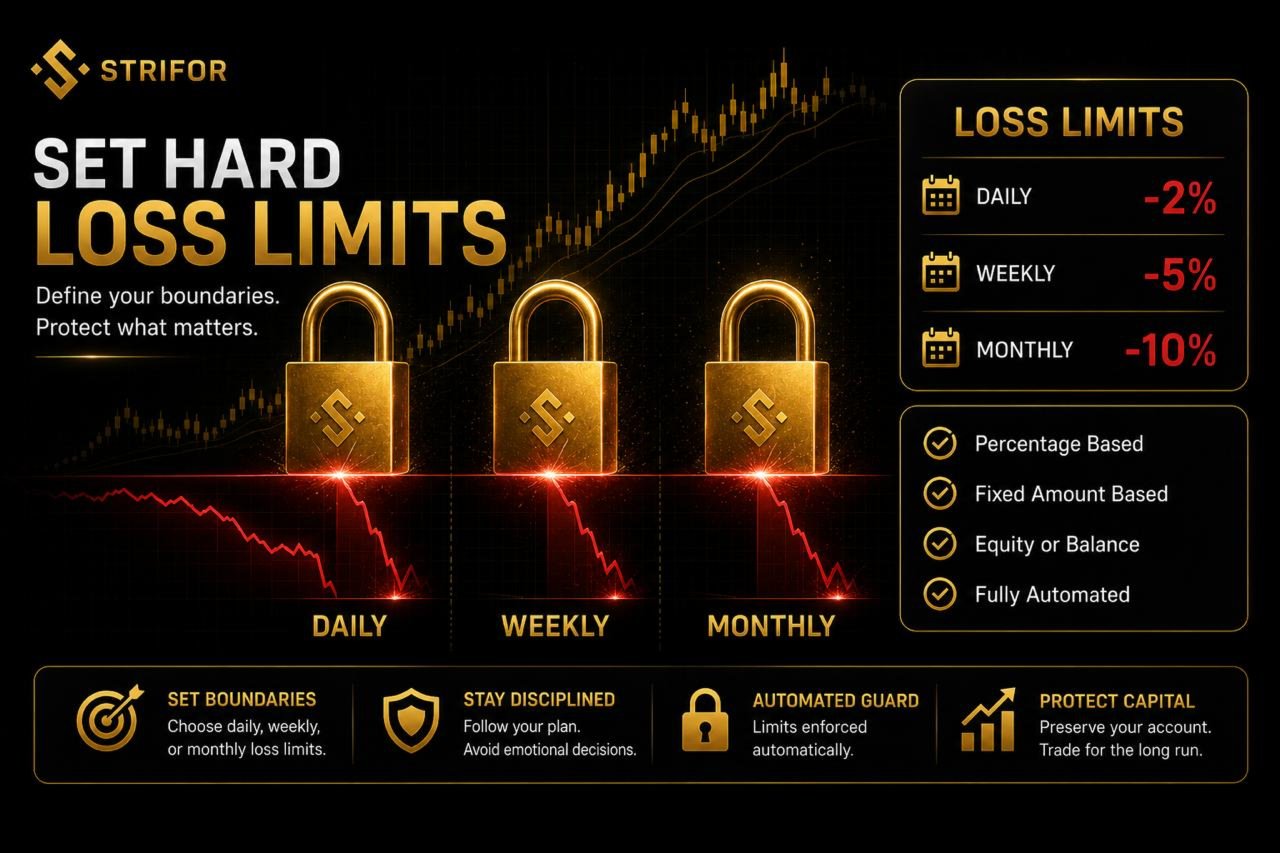
RiskMaster allows you to set maximum loss limits across three time periods:
Each limit can be defined as a percentage or a fixed monetary amount. The Expert Advisor monitors the current trading result and compares it against your predefined thresholds.
This approach helps establish clear risk boundaries and automates the monitoring of compliance with your trading rules.
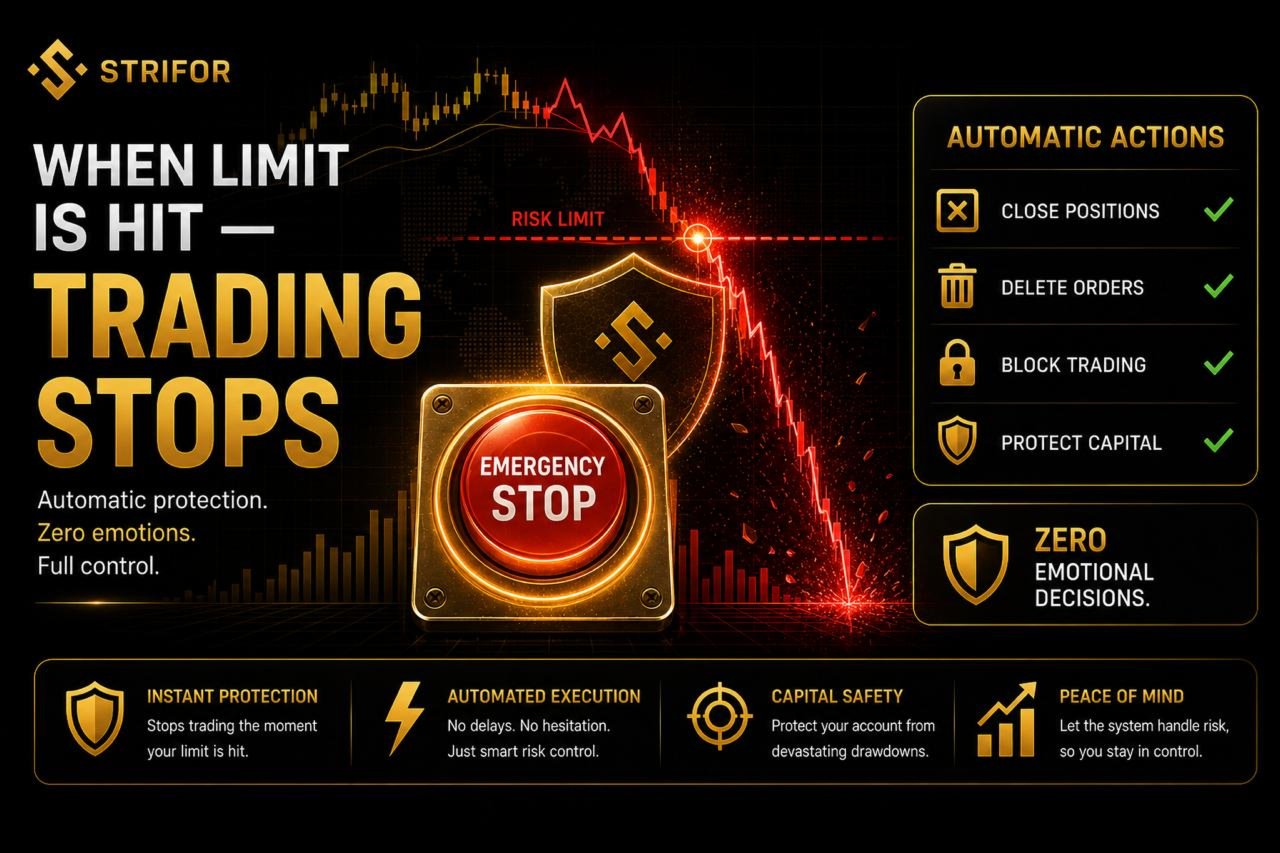
RiskMaster does more than display account statistics. Depending on its configuration, it can initiate protective actions when a predefined loss limit is reached or exceeded.
Available actions include:
These mechanisms help restrict further trading activity after a risk threshold has been breached and support adherence to predefined trading rules.
The actual outcome of protective actions depends on the terminal’s operating state, broker server availability, market conditions, and order execution.
Different calculation methods allow you to adapt RiskMaster to your trading strategy and preferred approach to measuring account performance.
Equity-Based Calculation
Uses the current account equity, including the floating profit or loss of open positions.
Balance-Based Calculation
Uses the account balance and results from closed trades, without accounting for the floating PnL of open positions.
You can also select the calculation base:
These options allow you to align risk monitoring with your trading workflow and preferred calculation methodology.
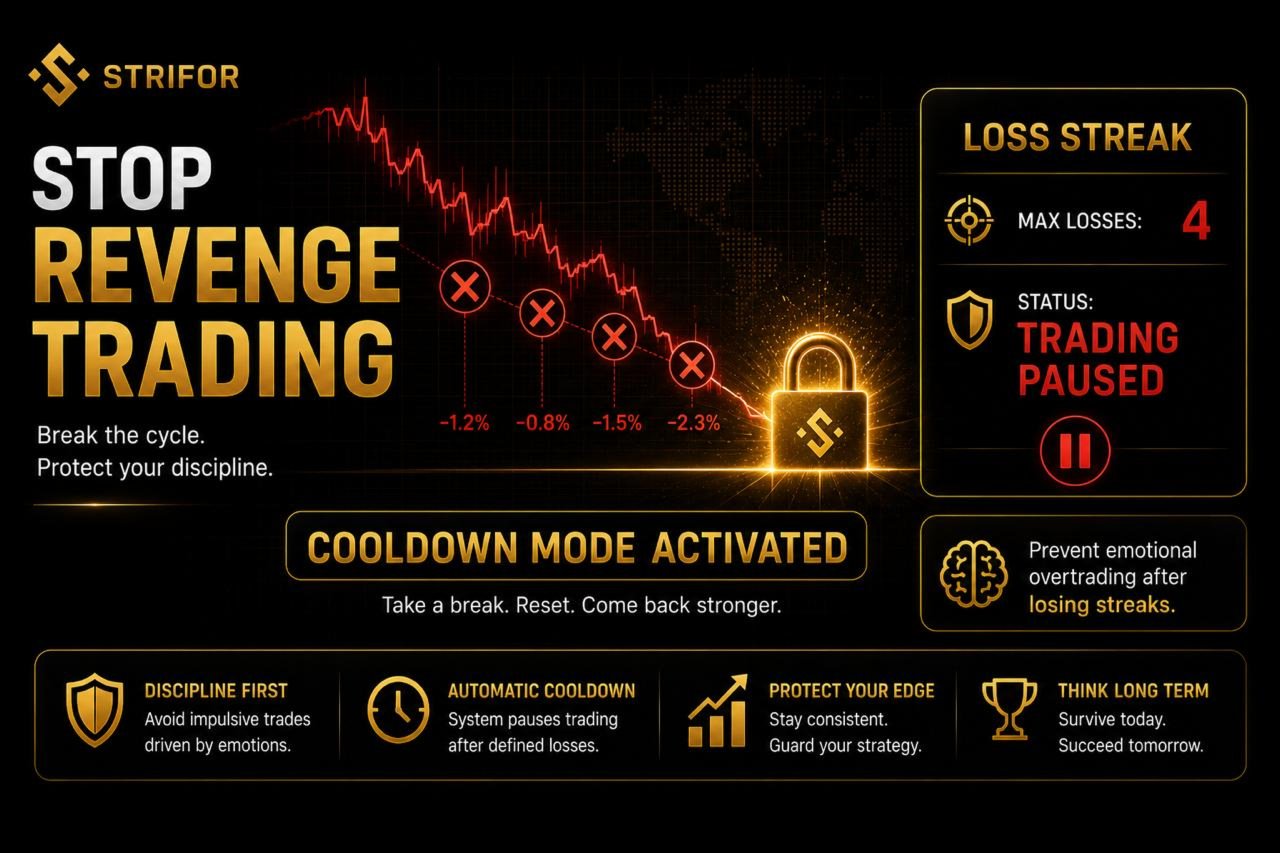
Even when daily and weekly limits are in place, a sequence of losing trades may indicate the need for a temporary trading pause.
RiskMaster includes a consecutive-loss control feature. When the number of losing trades reaches a predefined threshold, the Expert Advisor can temporarily block further trading.
This cooldown mechanism adds another layer of control to your trading process, independent of the overall financial result for the day.
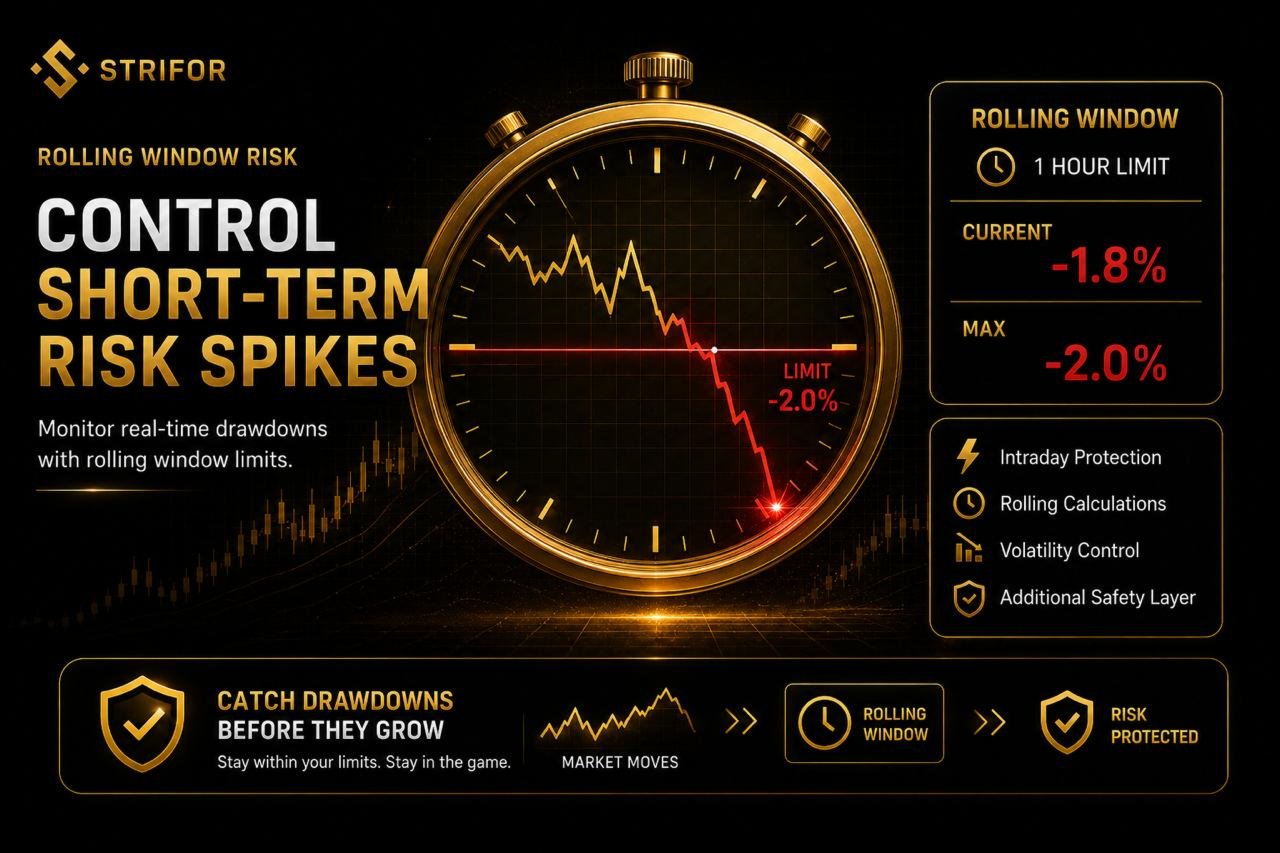
In addition to daily, weekly, and monthly limits, RiskMaster supports loss monitoring within a rolling time window.
For example, you can define a maximum allowable loss over a one-hour period. If the specified threshold is exceeded, the Expert Advisor can block further trading according to the configured rules.
This feature helps monitor short-term loss spikes that may occur during periods of increased volatility or after a series of unsuccessful trades.
When positions need to be closed automatically, both the decision logic and the execution process matter.
RiskMaster provides several parameters for managing position-closing operations:
These settings allow you to adapt the Expert Advisor’s behavior to different execution conditions. However, successful closure of every position cannot be guaranteed, as execution depends on market conditions and the availability of trading infrastructure.
RiskMaster can be configured to monitor different groups of trading operations.
Available filtering options include:
Filtering is useful when multiple Expert Advisors or trading strategies operate on the same account. It allows you to define the scope of risk monitoring according to your setup.
Before enabling filters, verify that the selected scope matches your intended risk management rules.
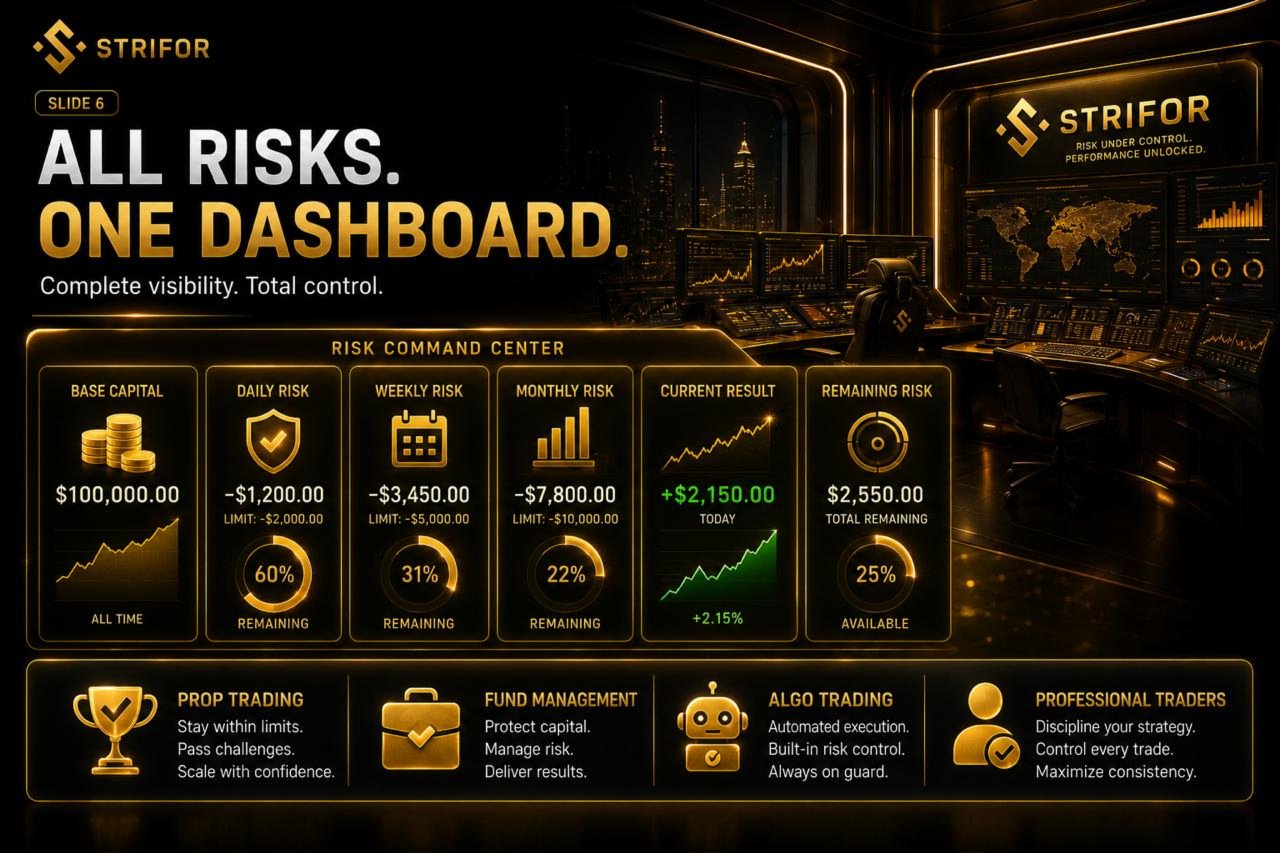
Key account indicators are displayed directly in MetaTrader 5. The on-chart panel makes it easier to monitor account conditions without constantly switching between terminal sections.
The panel displays:
This overview helps you assess the current account status and see how close your trading results are to the predefined limits.
RiskMaster can be useful for traders who need structured loss control and automated enforcement of predefined risk rules.
Professional Traders — to maintain a systematic approach to risk limits.
Algorithmic Traders — to add another layer of control over automated trading activity.
Prop Traders — to monitor predefined limits when configured in accordance with the rules of their proprietary trading firm.
Account Managers — to establish formal risk restrictions for trading accounts.
Systematic Traders — to incorporate automated loss controls into a predefined trading process.
Strifor RiskMaster operates as an Expert Advisor inside MetaTrader 5. To perform its monitoring and protective functions, the terminal must be running, the Expert Advisor must remain active on a chart, and algorithmic trading and the required permissions must be enabled.
Risk monitoring may stop if:
In these situations, RiskMaster cannot monitor account changes or execute protective actions. It also cannot guarantee position closure during connection failures, server outages, or circumstances that prevent trade requests from being executed.
For more consistent operation, we recommend running MetaTrader 5 on a Virtual Private Server (VPS) or another remote computer that can remain online continuously.
Before relying on RiskMaster, make sure that:
A remote server reduces dependence on your local computer and home internet connection. It can also reduce the likelihood of accidentally disabling the Expert Advisor, although it cannot eliminate technical failures entirely.
Strifor RiskMaster helps turn risk control from a manual task into a system of predefined rules. Configure your limits, select your calculation method, define protective actions, and monitor trading activity against your risk management plan.
Strifor RiskMaster — automated risk control for MetaTrader 5.
Strifor RiskMaster is a trading risk management tool and does not guarantee capital preservation or the absence of losses. Automated protective actions depend on terminal availability, the connection to the trading server, and the ability to execute orders. Test the Expert Advisor and verify its settings on a demo account before using it on a live account.
Images from the official MQL5 product gallery, in the original order. The publisher includes promotional illustrations and interface examples; these are not independently verified live-terminal screenshots.


Calculators · Indicators · Risk Management
Calculate MT5 position size from account capital, risk and Stop Loss distance using manual inputs or chart-based calculations.
Utilities
Synchronize MT5 symbols and analysis objects across Master and Slave charts, with independent groups and timeframe visibility settings.

Indicators
Analyze MT5 market structure with VWAP, Volume Profile, POC, Value Area levels and statistical deviation bands in one indicator.

Indicators
Combine classic Pivot levels, ATR-based price targets and market analytics in one MT5 indicator to plan trading scenarios.

Utilities
Send MT5 trade-event notifications to Telegram chats, groups and channels with customizable messages and direct Telegram Bot API integration.
Risk Management · Utilities
Monitor daily, weekly and monthly trading results in MT5, track risk limits and view remaining risk in a customizable on-chart panel.

Utilities
Automatically set Stop Loss and Take Profit for new MT5 positions using configured risk and actual volume. SmartTrade Panel v1.21 does not open orders.

Dashboards · Indicators
View percentage price changes across four timeframes in one compact MT5 dashboard to compare short-term and longer-term market dynamics.
Indicators
Visualize trading sessions, overlaps and session High–Low levels, with automatic time adjustment and flexible chart display settings.

