




Calculators · Indicators · Risk Management
Strifor Smart Lot Calculator
Calculate MT5 position size from account capital, risk and Stop Loss distance using manual inputs or chart-based calculations.
 Invest only the amount you are willing to lose. This is a risky investment with no principal protection.
STRIFOR / Trading Tools
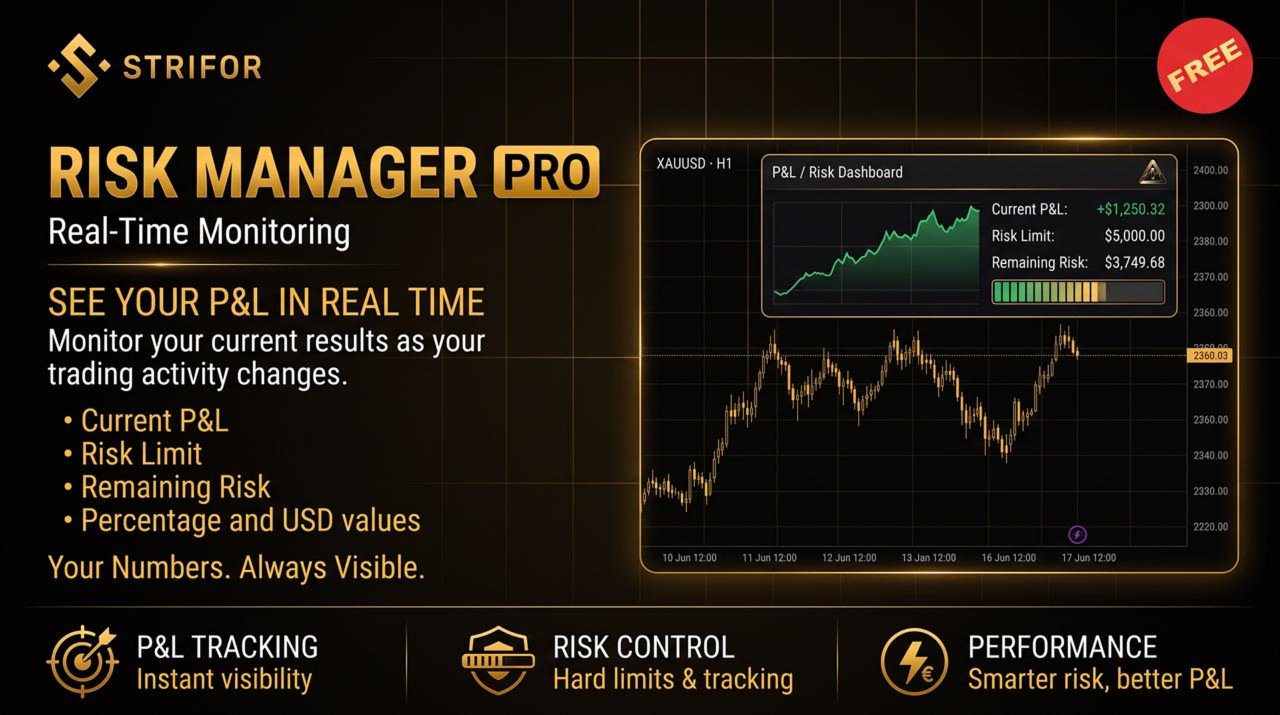
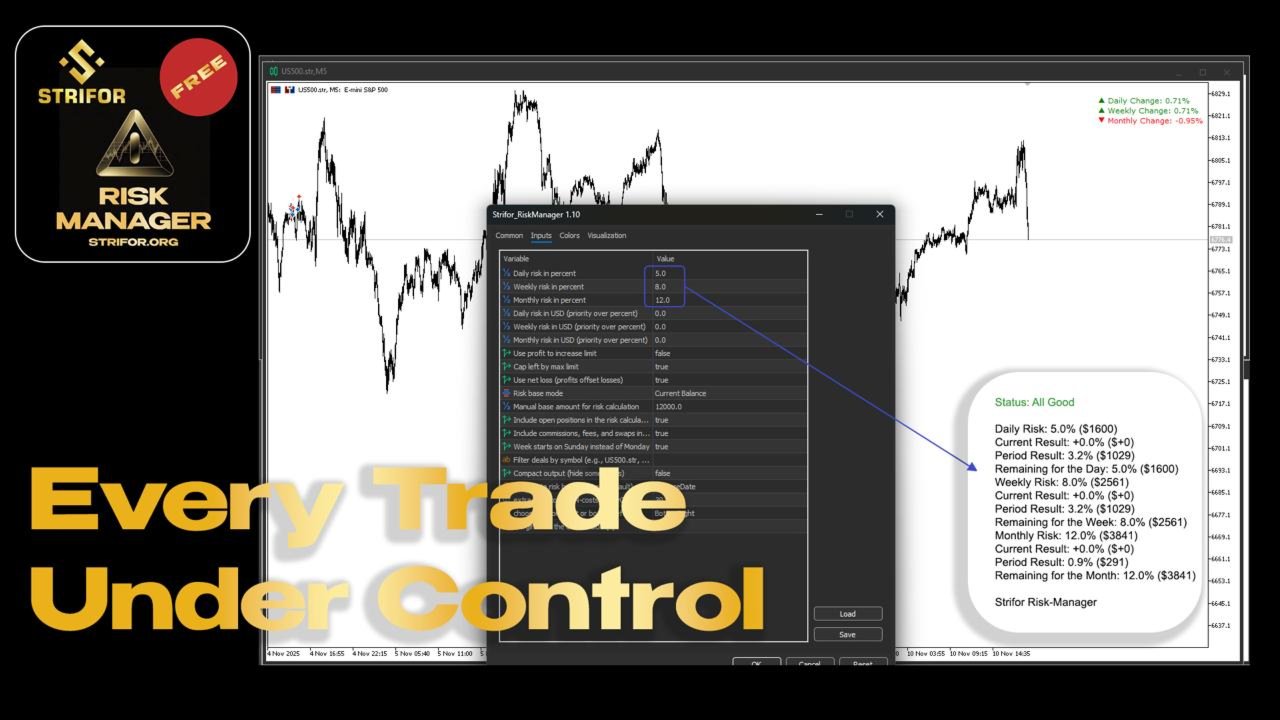
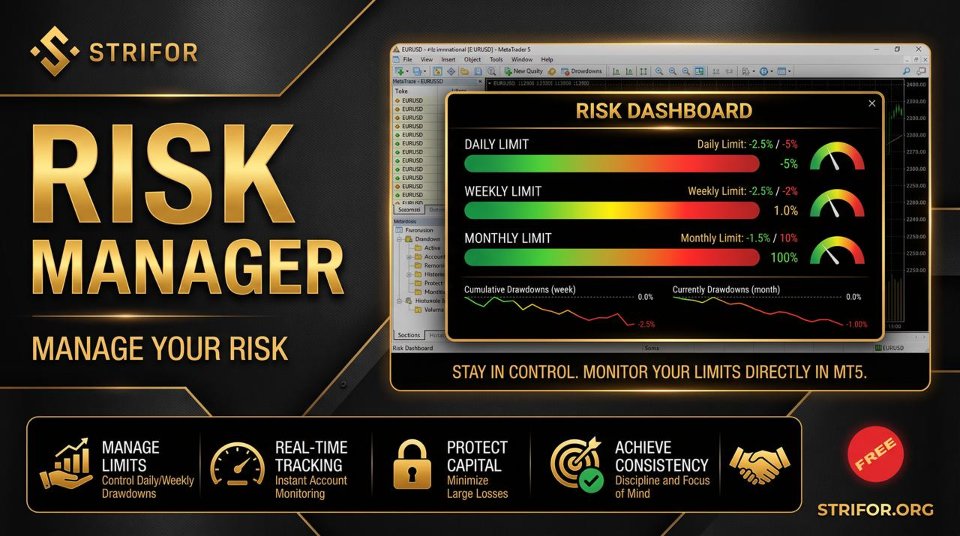
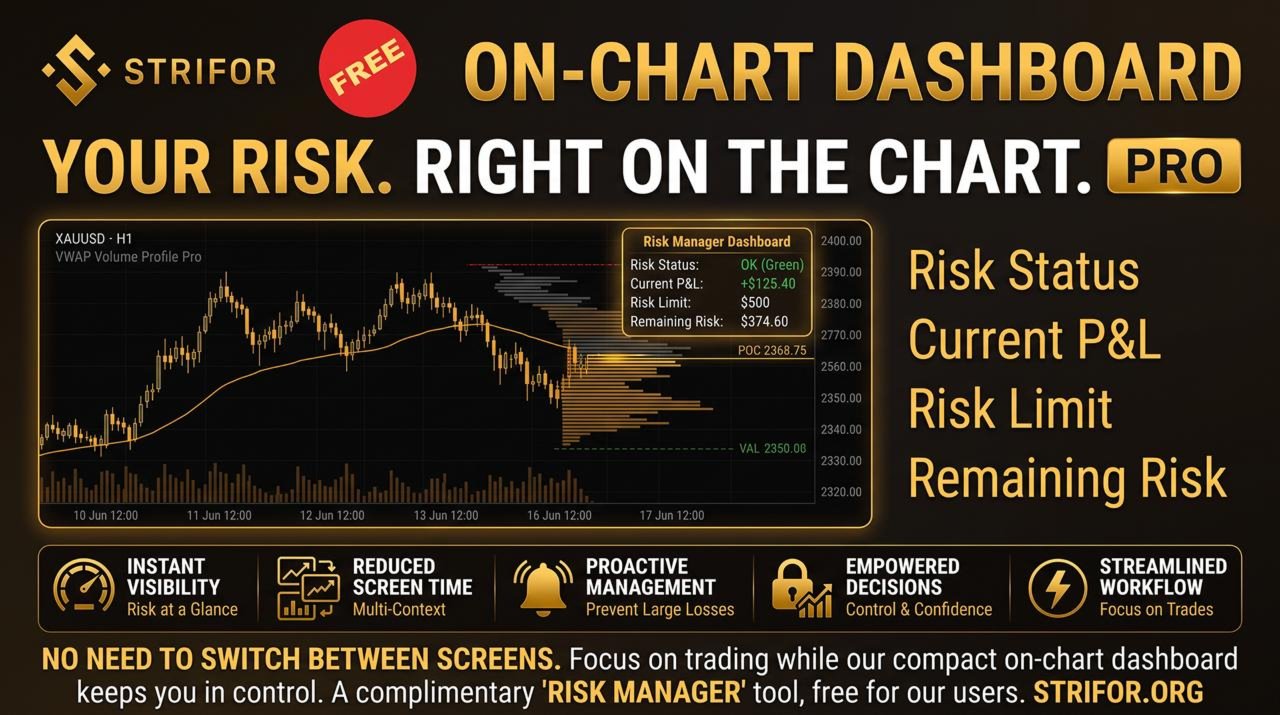
Monitor daily, weekly and monthly trading results in MT5, track risk limits and view remaining risk in a customizable on-chart panel.

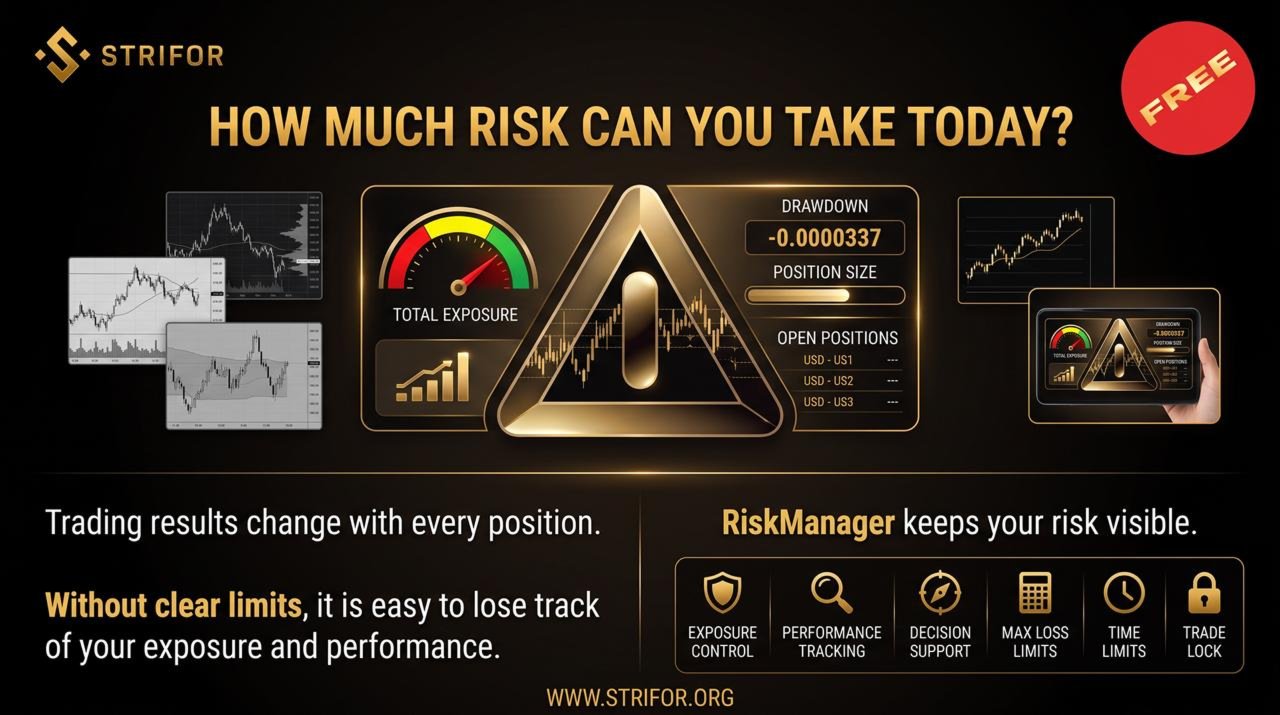
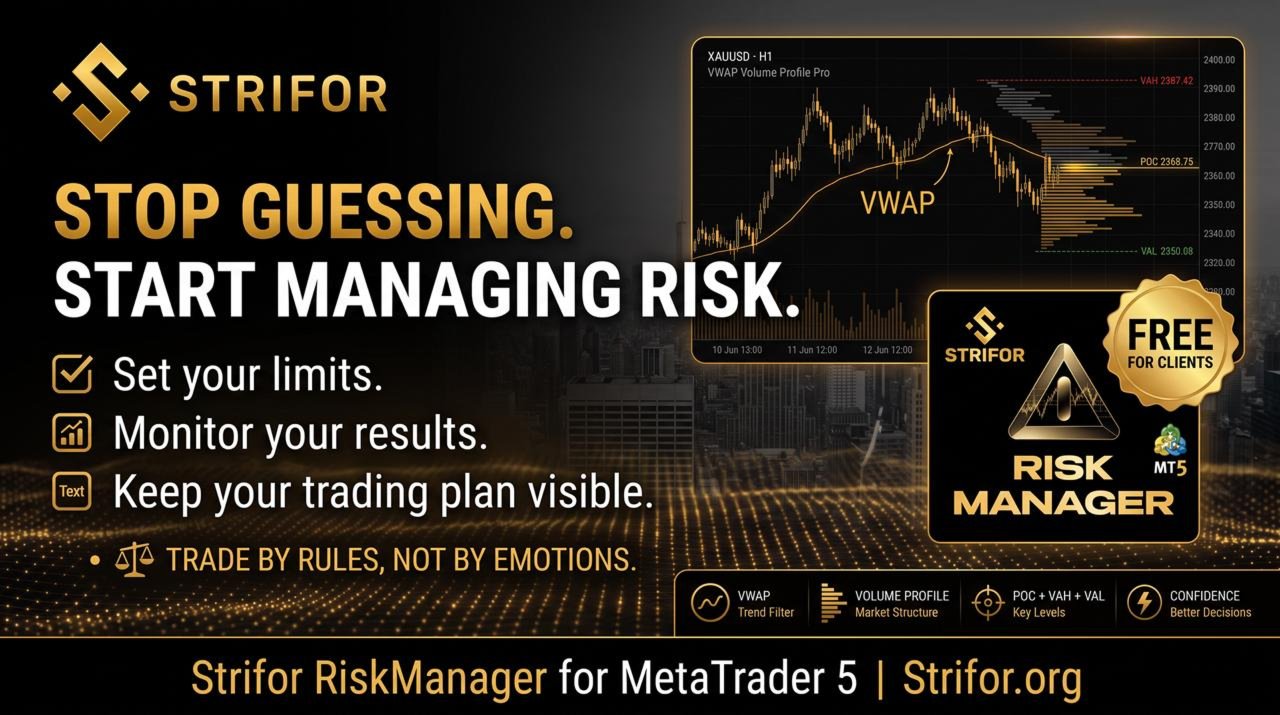
Strifor RiskManager is a MetaTrader 5 tool designed to help traders systematically monitor predefined risk limits and track trading performance across daily, weekly, and monthly periods.
The tool displays current results, available risk limits, and remaining allowance in real time, giving traders a clear view of their account status in one interface. It can be adapted to different risk management approaches and trading styles, from scalping and intraday trading to swing and medium-term strategies.
Strifor RiskManager can be used with both manual and algorithmic trading.
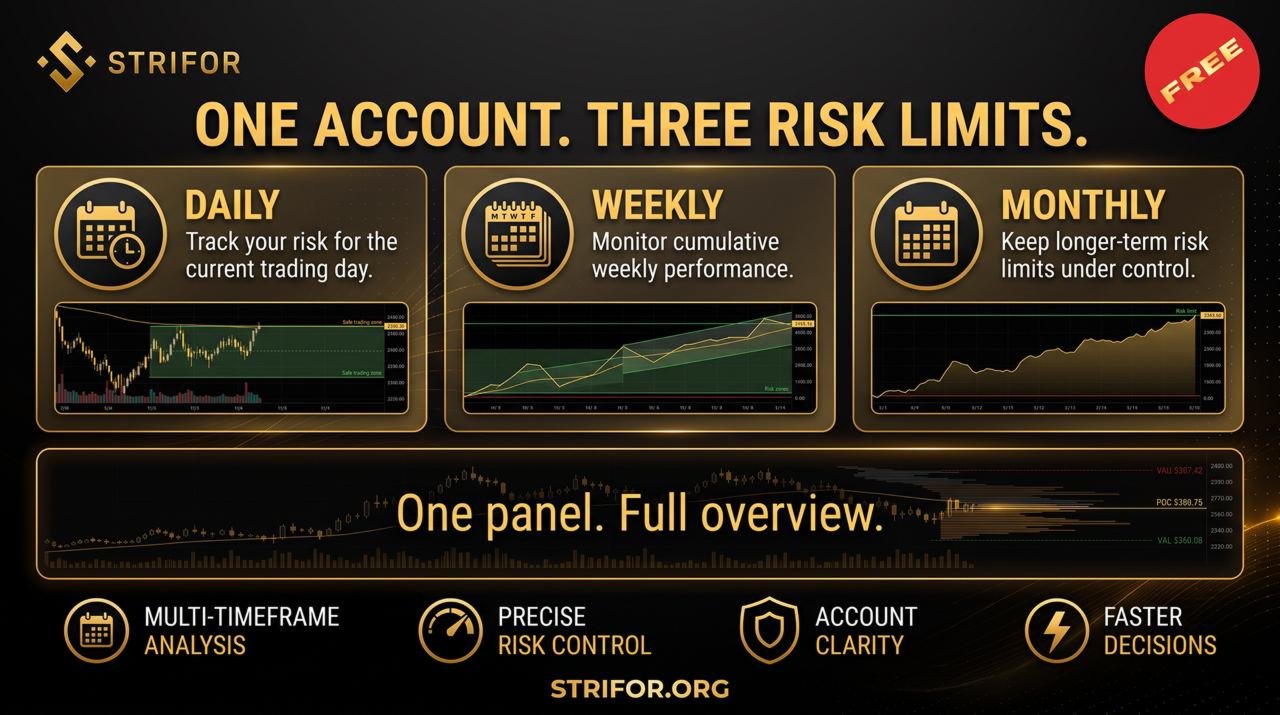
RiskManager allows you to set separate limits for:
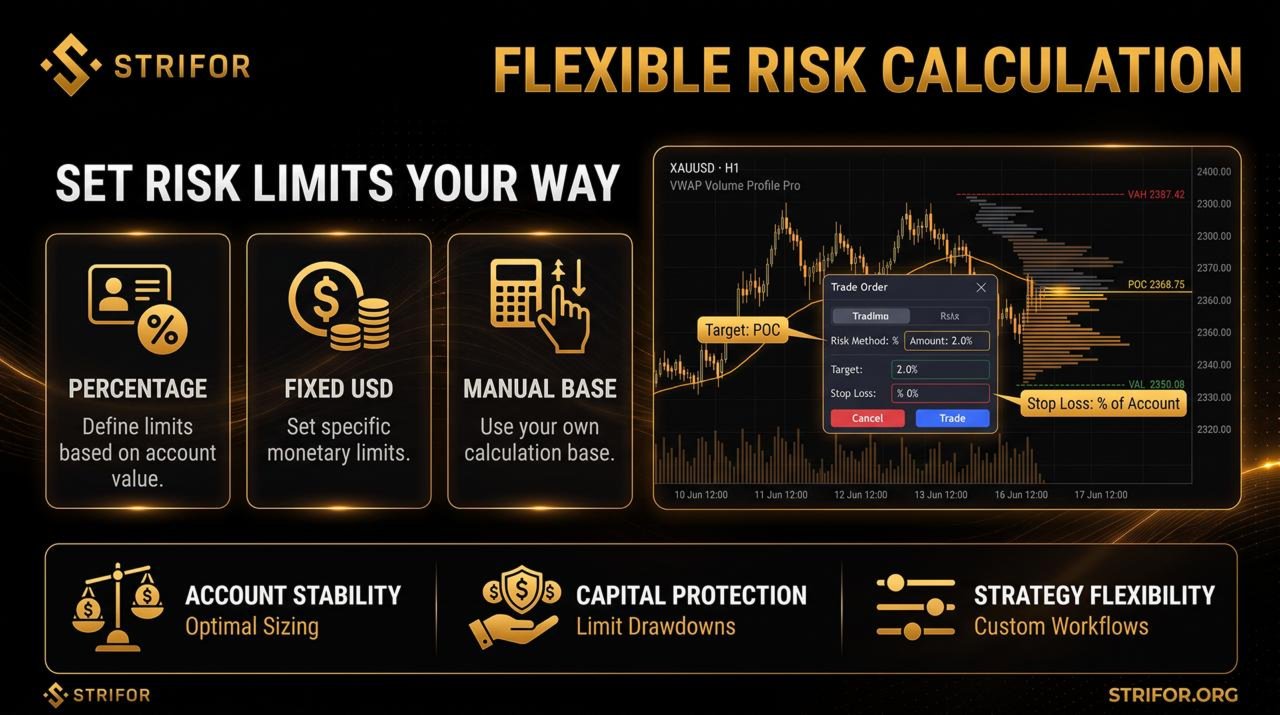
Limits can be defined either as a percentage based on the selected calculation base or as a fixed monetary amount. This makes it possible to adapt risk monitoring to different account sizes and trading frameworks.
The on-chart panel displays the current result and remaining allowance for each period.
RiskManager tracks trading performance and updates the displayed metrics as the account changes.
The panel can show:
Commissions and swaps can be included in calculations, while open positions can either be included or excluded depending on the selected settings.
RiskManager allows you to define the basis used for calculating risk limits.
Available options include:
This allows the tool to be configured around your own risk management framework rather than forcing a single calculation method.
Depending on the selected calculation logic, available risk limits may change as trading results change.
The Cap flex by max limit parameter allows you to restrict this dynamic expansion to a predefined maximum value.
This can be useful for traders who want to maintain a fixed upper risk threshold even when the account generates positive results.
When multiple instruments or strategies are traded on the same account, RiskManager allows calculations to be limited to selected symbols.
The Filter by symbol function can help isolate risk calculations for specific instruments without including unrelated trading activity from the account.
All key metrics are displayed directly on the MetaTrader 5 chart.
The panel can be adapted to your workspace with options to:
This allows RiskManager to fit naturally into different trading workspaces without requiring additional windows.
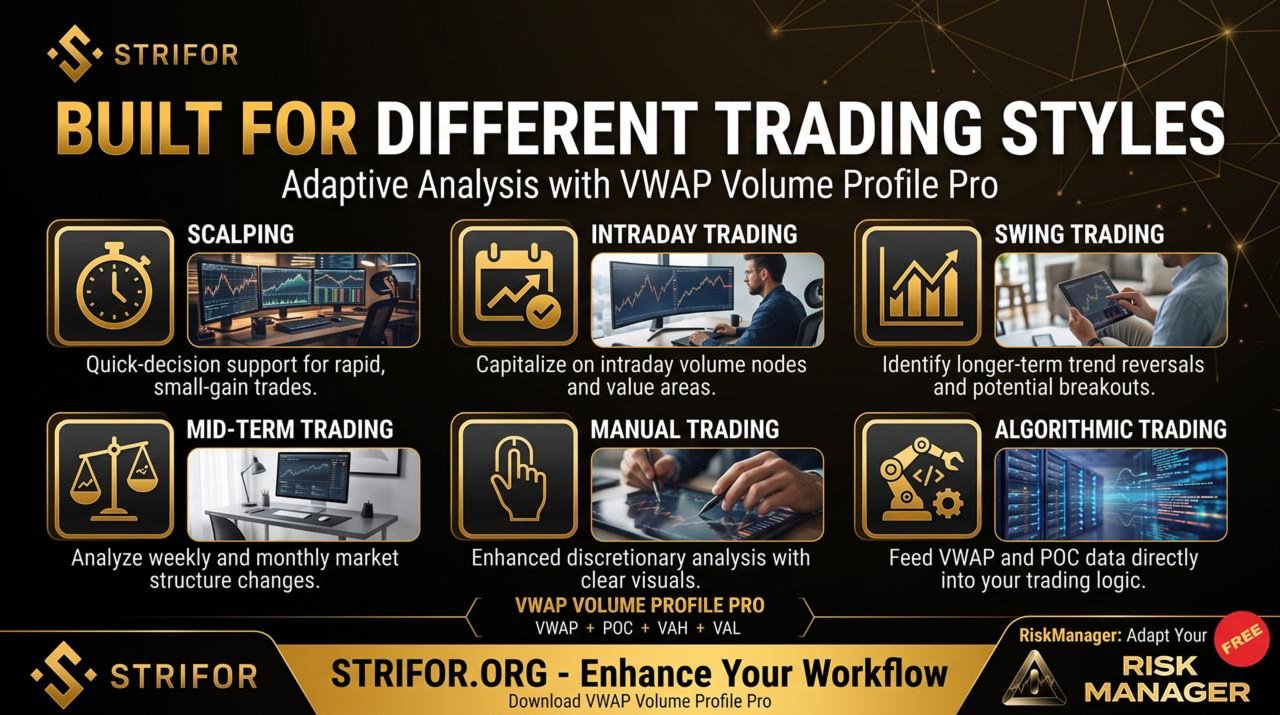
RiskManager can be used across a range of trading approaches.
Scalping
Monitor daily risk limits while managing a high number of trades.
Intraday Trading
Track current performance and remaining daily risk throughout the trading session.
Swing Trading
Monitor accumulated results and risk limits across weekly and monthly periods.
Algorithmic Trading
Add an additional layer of account monitoring when automated strategies are running.
Prop Trading and Team Workflows
Track predefined risk limits and monitor the current state of a trading account.
Strifor RiskManager supports both Hedging and Netting account types and can be used with different instruments available in MetaTrader 5, including:
Actual calculations depend on the selected settings, account conditions, and specifications of the traded instruments.
Strifor RiskManager turns predefined risk management rules into a continuously available monitoring system directly on the MetaTrader 5 chart.
Instead of manually tracking results across different time periods and calculating the remaining allowance, traders can view key risk and performance metrics in one interface and monitor the account while trading.
Requirements: MetaTrader 5.
Strifor RiskManager is a tool for monitoring and managing predefined risk parameters. It does not prevent losses, generate trading signals, or guarantee trading profitability. Calculations and displayed limits depend on the selected settings, account conditions, and specifications of the traded instruments.
Images from the official MQL5 product gallery, in the original order. The publisher includes promotional illustrations and interface examples; these are not independently verified live-terminal screenshots.
Calculators · Indicators · Risk Management
Calculate MT5 position size from account capital, risk and Stop Loss distance using manual inputs or chart-based calculations.
Utilities
Synchronize MT5 symbols and analysis objects across Master and Slave charts, with independent groups and timeframe visibility settings.

Indicators
Analyze MT5 market structure with VWAP, Volume Profile, POC, Value Area levels and statistical deviation bands in one indicator.

Indicators
Combine classic Pivot levels, ATR-based price targets and market analytics in one MT5 indicator to plan trading scenarios.

Utilities
Send MT5 trade-event notifications to Telegram chats, groups and channels with customizable messages and direct Telegram Bot API integration.

Utilities
Automatically set Stop Loss and Take Profit for new MT5 positions using configured risk and actual volume. SmartTrade Panel v1.21 does not open orders.

Risk Management · Utilities
Automate MT5 account-level risk control with loss limits, consecutive-loss monitoring, rolling windows and configurable position closing.

Dashboards · Indicators
View percentage price changes across four timeframes in one compact MT5 dashboard to compare short-term and longer-term market dynamics.

Indicators
Visualize trading sessions, overlaps and session High–Low levels, with automatic time adjustment and flexible chart display settings.

